

You’re creating content, writing blog posts, and showing up on Pinterest—but those pins? They’re not exactly popping off. Here’s the deal: creating viral-worthy, high-ranking Pinterest pins isn’t about being a designer. It’s about strategy. Good news? You don’t need a degree in graphic design or hours of free time. You just need a handful of smart design tips that help your content get seen, clicked, and saved.
Let’s talk about 5 ridiculously simple (but powerful!) tips that can boost your pin performance and get your content in front of the right people on Pinterest.
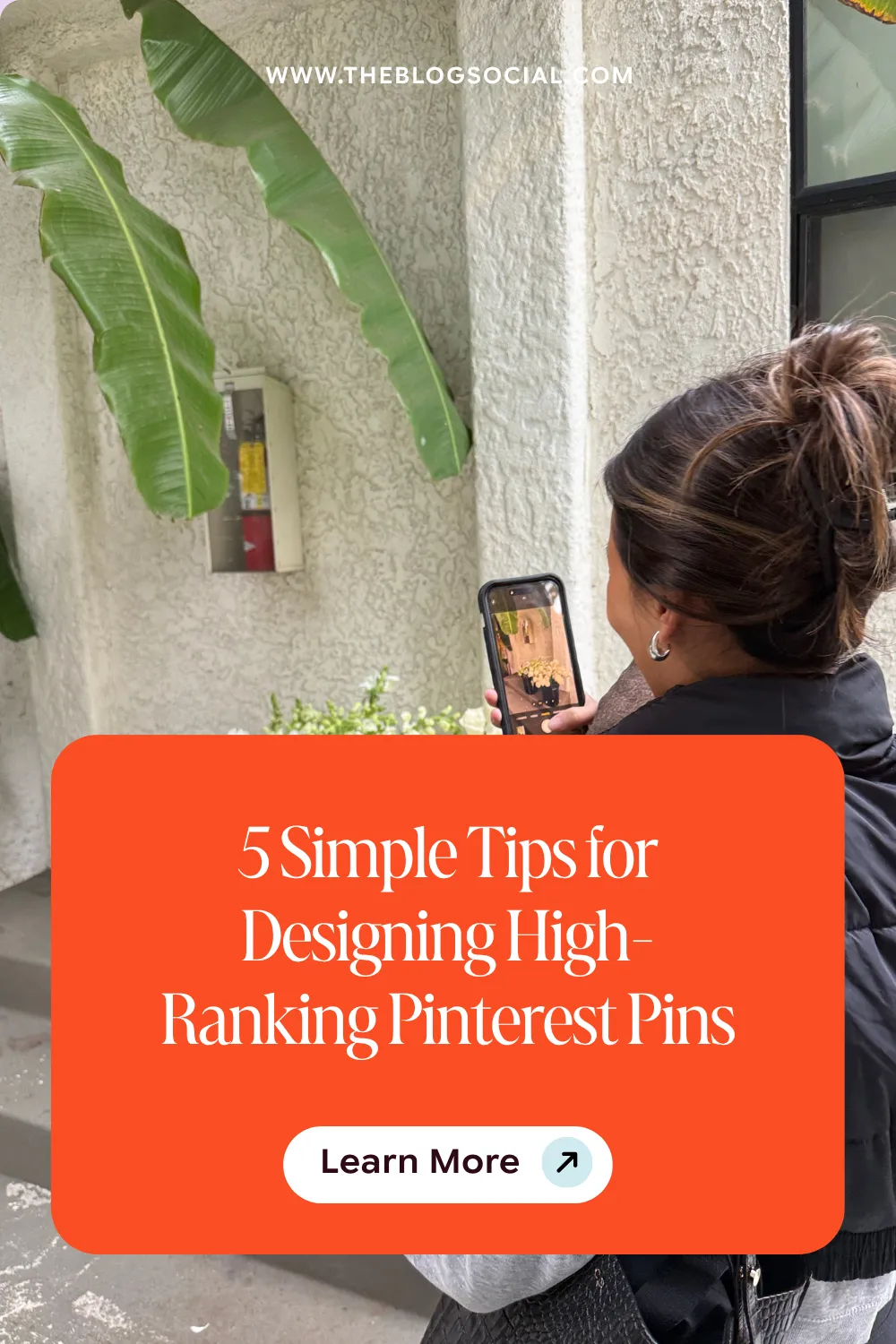
5 Simple Tips to Design Pinterest Pins to Increase Blog Traffic
Looking to drive Pinterest traffic? Having well-designed Pinterest templates is key! Here are some pin design tips to keep in mind when creating pins to boost traffic to your website.
1. Start with High-Quality Photos That Match the Content
Blurry, pixelated, or irrelevant images? Pinterest will pass. Your audience will, too. Your visuals (video pins and static pins) need to be sharp and 100% aligned with the content you’re linking to. If your pin is promoting a blog post about blogging tips, a random beach photo isn’t going to cut it. Pinterest is smart, and your visuals should match the message.
Pro Tip: Use clear, bright, vertical photos that stop the scroll and actually relate to your topic. Stock images from sites like Elevae Visuals or Vault Socials (yes, I see you) are great resources!
2. Choose Fonts That Are Easy to Read—Especially on Mobile
Here’s a truth bomb: your audience is mostly scrolling Pinterest on their phones. So if your font is tiny or covered in swirls like a wedding invitation from 2012, they’re not going to read it, let alone click.
Here’s your rule: Skip the fancy script fonts and stick to bold, clear typography that’s easy to read even at a glance. Make your headline the show’s star and don’t let it get lost in design fluff.
3. Test Both Standard and Long Pins
Pinterest isn’t a one-size-fits-all platform, especially when it comes to sizing. While the standard 2:3 ratio pins (1000 x 1500 px) are always safe, don’t be afraid to test longer pins (like 1000 x 2100 px). Long pins often stand out more in the feed and encourage more scrolling, which = more eyeballs.
When you’re starting out, try both formats and keep an eye on which ones your audience engages with more. No guesswork—just data-backed decisions.
4. Pinterest Can Read Your Text (and Understand Your Images)
This is where your Pinterest strategy meets design. Pinterest isn’t just looking at your visuals—they’re analysing them. Yep, the platform can recognise objects in your image and read the words on your pin. That means your text overlay matters for more than just aesthetics.
Use keywords directly on your pin that reflect what the content is about. Think: “SEO Tips for Bloggers” or “How to Start a Blog in 2025.” This tells Pinterest and your ideal audience exactly what they’re getting.
5. Use Your Analytics to Design Smarter
Here’s a productivity tip that doubles as a growth hack: stop creating from scratch every single time. Once you’ve been consistently posting for a few months, it’s time to check the data.
Which templates are getting the most saves and clicks? What colors or layouts are drawing people in? Instead of reinventing the wheel, double down on what’s working and tweak what’s not. This is how you turn Pinterest into a traffic machine without burning out.
Final Thoughts
Designing high-ranking pins doesn’t have to be complicated. It just has to be intentional. Focus on clear, keyword-rich visuals, keep it mobile-friendly, and let the data guide your design choices. Over time, you’ll start to see which designs move the needle—and which ones don’t.







3 Responses
I really need to check back on what is working best for me. Thanks for these great tips!
You’re very welcome! Taking time to review what works best is such a smart move. I’m glad the tips could help you with that!
Great tips! #4 was especially surprising and it makes me love using Pinterest even more. Thanks for sharing!