



Struggling to get your pins seen? You’re not alone! Pinterest can be a goldmine for traffic, but only if you know how to work the platform. Many new bloggers pin consistently but see little to no results. If that sounds familiar, don’t worry—I’ve got you covered! Here are three powerful ways to boost your visibility on Pinterest and start seeing real results.

How to Improve Your Pinterest Visibility
Pinterest rewards strategy and consistency. By focusing on the right elements—keywords, scheduling, and design—you can increase your visibility on Pinterest and rich that’ll attract more traffic to your blog.
1. Optimize Your Pins with SEO Keywords
Pinterest is not a social platform—it’s a visual search engine. This means that using the right keywords is essential if you want your content to be discovered.
- Use Pinclicks for SEO Keyword Research: This tool helps you find trending keywords in your niche so you can optimize your pin titles, pin descriptions, and Pinterest board names and provide your with valuable Pinterest analytics on what relevant keywords you should focus on.
- Use Pinterest Trends to see what keywords are popular and relevant to your niche that you can create pins about.
- Include Keywords Naturally: Make sure your keywords flow naturally in your pin descriptions—avoid keyword stuffing!
- Add Keywords to Your Profile and Boards: Your Pinterest profile and board descriptions also contribute to visibility, so optimize them too to reach a wider audience.
➡️ Action Step: Use Pinclicks to research keywords for your next 5 pins and incorporate them naturally in the descriptions to help increase visibility and drive more traffic to your website or affiliate links.
2. Schedule Consistently with Tailwind
One of the most important tips to improve visibility on Pinterest is staying consistent is key on Pinterest, and Tailwind makes it easy to stay on track without manually pinning all day.
- Schedule Pins at Optimal Times: Tailwind analyzes your audience’s activity and suggests the best times to post.
- Use Tailwind Communities: Joining niche-specific communities increases your chances of getting repins from other content creators.
- Batch Your Content: Create a week’s worth of pins and schedule them in advance so you can focus on other tasks.
➡️ Action Step: Sign up for Tailwind and schedule your pins to maintain consistency. Whether thats 1, 2 or 5 pins a take decide on a number that is obtainable for you.
3. Create Eye-Catching Pins with Canva
Pinterest is a visual search engine, and if your pins don’t stand out, they’ll get lost in the sea of content.
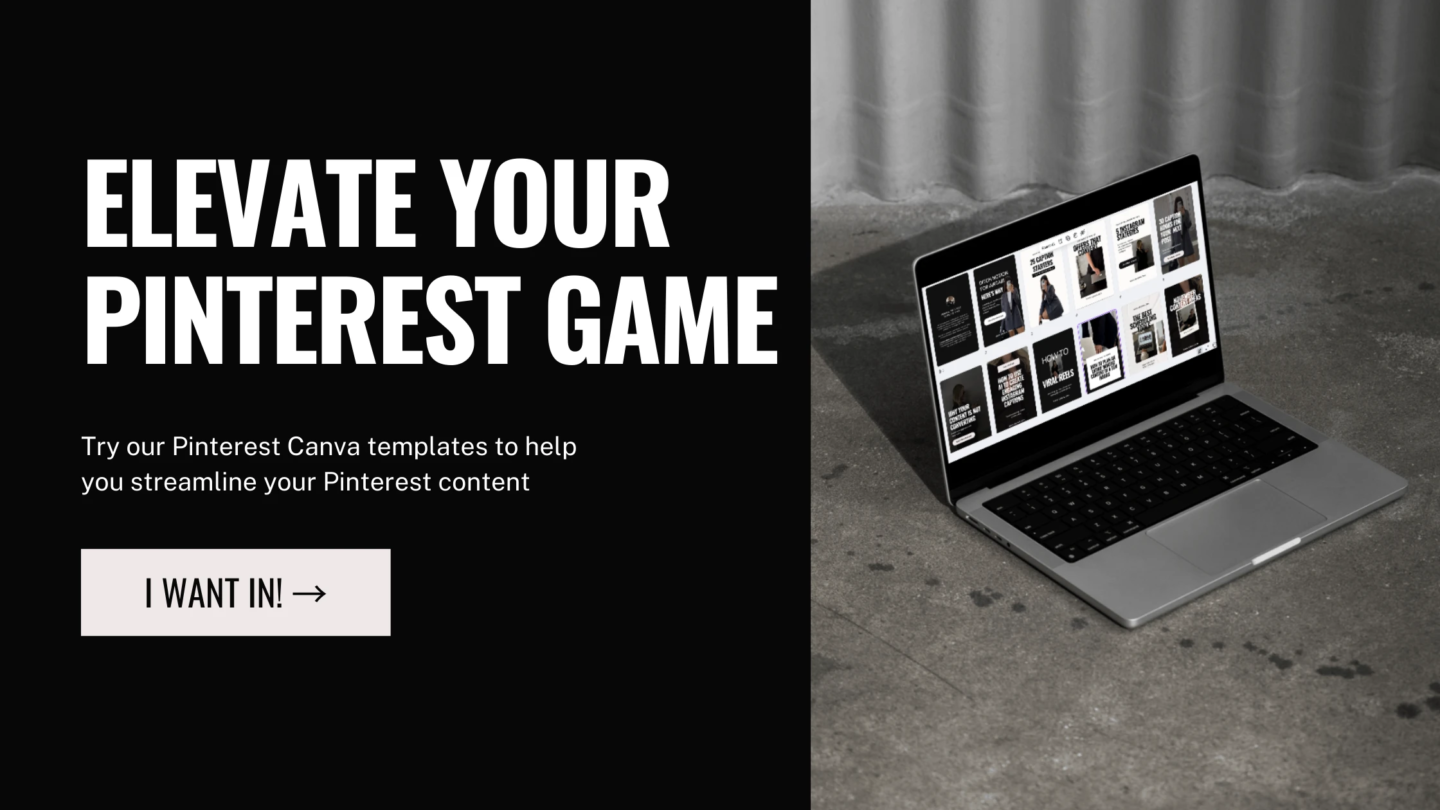
- Use Canva’s Pinterest Templates: They’re optimized for the best dimensions (1000x1500px) and designed to grab attention.
- Incorporate Bold Text & Contrasting Colors: This makes your pins easier to read and more likely to be clicked.
- Add a Call-to-Action: Simple CTAs like ‘Click to Read’ or ‘Save for Later’ encourage engagement.
➡️ Action Step: Create 3 new Pinterest designs using Canva and test different styles to see what resonates best with your audience.
Final Thoughts
Improving your visibility on Pinterest doesn’t have to be complicated! By optimizing your pins, boards and profile with keywords, scheduling consistently with Tailwind, and designing pins that standout with Canva, you’ll start increase the chances of higher engagement and click-through rates. Start implementing these Pinterest strategies today, and watch your Pinterest presence grow!
Loved this post? Save it for later and share it with a fellow blogger!



0 Comments