




Growing your email list shouldn't feel like pulling teeth. But here's the problem: most bloggers create freebies that nobody downloads, promote them half-heartedly, and wonder why their email marketing strategy isn't working.
I've been there—staring at a download count that refused to budge despite hours of freebie design work. Then I figured out the real issue: I was guessing instead of strategizing.
This guide walks you through exactly how to create an email opt-in that people actually want, promote it in ways that work, and automate your email marketing so you can grow your email list while you sleep.
Table of Contents
What Makes a Digital Freebie Worth Downloading?
Before diving into freebie design, let's talk about what separates scroll-past freebies from save-right-now freebies.
The best email freebies ideas solve one specific, urgent problem for your audience—not five problems, not a general topic, but one thing they need fixed today.
Key Characteristics of High-Converting Freebies
Immediate Value: Your freebie should deliver a quick win. Think templates, checklists, or swipe files—not 50-page ebooks that require an afternoon to digest.
Clear Transformation: People need to know exactly what they're getting. "10 Instagram Caption Templates That Get Saves" beats "Social Media Guide" every single time.
Easy to Consume: The best freebie ideas for email list growth are scannable, actionable, and require minimal effort to implement. One-pagers, fillable PDFs, and Notion templates consistently outperform dense content.
Aligned With Your Offers: Your email opt-in should naturally lead subscribers toward your paid products or services. If you sell Pinterest courses, create ChatGPT prompts for Pinterest. If you coach bloggers, offer a blog post planner template.
Top Freebie Ideas for Email List Building
Not sure what to create? Here are proven freebie formats that convert:
Templates & Swipe Files
- Email welcome sequence templates
- Social media caption templates
- Blog post title ideas (300+ works great)
- Content calendar templates
- Pitch email templates
Checklists & Frameworks
- Step-by-step launch checklists
- SEO audit checklists
- Content batching frameworks
- Blog setup checklists
Tools & Resources
- Notion databases (pre-built and customizable)
- Canva template packs
- Airtable content calendars
- Spreadsheet calculators
Educational Content
- Mini email courses (4-5 days)
- Strategy guides
- ChatGPT prompt libraries
- Subject line formulas
The format matters less than the promise. Does your freebie solve one problem immediately? Then it'll work.
How to Create Your Digital Freebie: Step-by-Step
Creating an email opt-in doesn't require fancy software or design skills. Here's how to build one that converts.
Step 1: Validate Your Idea First
Before spending hours on freebie design, make sure people actually want what you're creating.
Ask Your Audience Directly: Poll your Instagram followers, send a survey to your current subscribers, or check your DMs for recurring questions. The problems people keep asking about? Those are your winners.
Research Competitor Freebies: Look at what's working for others in your niche. Not to copy—but to identify gaps you can fill or ways to improve on existing ideas.
Check Search Intent: Use keyword research tools to see what people are searching for. High search volume + clear intent = strong freebie potential.
Step 2: Create Your Freebie Content
Keep your content creation simple and strategic.
Choose Your Format: Pick one based on your skills and audience preference:
- Canva: Visual templates, one-pagers, checklists
- Google Docs: Text-heavy guides, swipe files
- Notion: Databases, planners, resource hubs
- PDF: Fillable forms, worksheets
Focus on Clarity Over Perfection: Your first freebie doesn't need custom illustrations or 20 pages of content. It needs to solve one problem clearly.
Use simple layouts with plenty of white space, clear headlines, and actionable steps. Readers should know exactly what to do after downloading.
Step 3: Design for Scannability
Whether you're creating in Canva or Google Docs, follow these design principles:
Use Clear Headings: Break content into sections with descriptive headers. This helps both readers and LLMs understand your structure.
Add Visual Hierarchy: Bold important points, use bullet lists, and include numbered steps where relevant.
Include Your Branding: Add your logo, website URL, and social handles. Every freebie is a marketing asset—make sure people can find you again.
Step 4: Set Up Your Email Delivery System
You'll need an email marketing platform to deliver your freebie and nurture subscribers. Popular options include:
For Beginners
- Kit: Beginner-friendly, strong automation
- Flodesk: Beautiful templates, flat-rate pricing
- MailerLite: Free plan available, solid features
For Growing Lists
- ActiveCampaign: Advanced automation
- Mailchimp: Familiar interface, lots of integrations
Set up a simple automation:
- New subscriber downloads freebie
- Immediate delivery email with download link
- Welcome sequence begins (3-5 emails introducing you and your blog)
Pro tip: Keep your download link working even if someone unsubscribes. It builds trust and keeps your brand top of mind.
Step 5: Create Your Opt-In Landing Page
Your landing page is where conversions happen. Keep it focused:
Essential Elements
- Compelling headline that promises a transformation
- Short description (2-3 sentences max)
- Visual preview of the freebie
- Single opt-in form (name and email only)
- Clear call-to-action button
Skip These Common Mistakes
- Long paragraphs that bury the value
- Multiple opt-in forms on one page
- Asking for too much information upfront
- Unclear or generic button copy
Use language like "Send Me the Templates" or "Get My Free Checklist" instead of just "Submit."
Freebie Promotion Strategies That Drive Downloads
Creating your new freebie is only half the work. Getting it in front of the right people? That's where growth happens.
Pinterest: Your Email List Building Secret Weapon
Pinterest is hands-down one of the best platforms for growing your email list. Why? Because users are actively searching for solutions—not just scrolling for entertainment.
Create Multiple Pin Designs: Design 3-5 pin graphics for each freebie using different headlines and visual styles. Test what resonates with your audience.
Write Search-Optimized Descriptions: Include relevant keywords naturally in your pin descriptions. Focus on the transformation: "Download my free content batching framework and plan 30 days of content in one hour."
Pin Consistently: Schedule pins to go out daily using a tool like BlogToPin or Tailwind. Fresh pins signal active content to Pinterest's algorithm.
Blog Content Integration
Every blog post should promote at least one relevant freebie.
Strategic Placement
- In your introduction (after the hook)
- Mid-content, after solving part of the problem
- At the end, as the next step
- In your sidebar (if your theme supports it)
Content Upgrades: Create post-specific freebies that expand on your blog topics. Writing about Pinterest strategy? Offer a Pinterest audit checklist. Discussing email marketing? Provide subject line templates.
Social Media Promotion
Different online marketing platforms require different approaches:
Instagram Strategy
- Link in bio tool (Linktree, Stan Store) with freebie front and center
- Story highlights dedicated to freebies
- Carousel posts showcasing what's inside
- Reels teasing the transformation
- Regular Story CTAs with swipe-up links
Facebook Groups: Join niche-relevant groups and provide genuine value. When appropriate, mention your freebie as a resource—never lead with promotion.
LinkedIn: Share your simple digital freebie in relevant groups and in your profile's Featured section. LinkedIn users often seek professional development resources.
Email Signature & Automation
Add your freebie link to your email signature so every message becomes a potential lead generator.
Create automated sequences mentioning different freebies based on subscriber behavior and interests.
Collaborate & Cross-Promote
Guest Posting: Write for other blogs in your niche and include your freebie CTA in your author bio or naturally within the post.
Podcast Appearances: Offer a custom freebie exclusive to each podcast's audience. The specificity increases conversion rates.
Bundle Swaps: Partner with complementary creators to feature each other's freebies in a themed bundle or co-promotion.

How to Automate Your Email Marketing After the Freebie
Once someone downloads your freebie, the relationship is just beginning. Here's how to automate your email marketing to nurture subscribers without constant manual work.
Build a Strategic Welcome Sequence
Your first 5 emails set the tone for your entire subscriber relationship.
Email 1: Instant Delivery
Subject: "Your [Freebie Name] is ready!" Deliver the freebie immediately, set expectations for future emails, and introduce yourself briefly.
Email 2: Quick Win (Day 1-2)
Subject: "Here's how to use [Freebie] today." Provide tips for implementing the freebie with a personal story about why you created it.
Email 3: Value + Soft Intro (Day 3-4)
Subject: "The strategy behind [Related Topic]" Share additional value related to the freebie topic. Mention your blog or other resources.
Email 4: Social Proof + CTA (Day 5-6)
Subject: "What [Your Name] readers are saying..." Include testimonials, case studies, or results. Introduce a relevant paid offer if appropriate.
Email 5: Set Expectations (Day 7-8)
Subject: "What to expect from me (+ exclusive subscriber perks)" Explain your email frequency, content pillars, and subscriber-only benefits.
Segment Your List Based on Interests
Not all subscribers want the same content. Use tags and segments to send targeted emails.
Tagging Strategies
- Tag by freebie downloaded (Pinterest, Email, Blogging, Social Media)
- Tag by link clicks (shows specific interests)
- Tag by engagement level (opens, clicks, purchases)
Automated Nurture Sequences Create topic-specific email sequences that deliver value over time:
- 30-day Pinterest strategy series
- Weekly blogging tips sequence
- Monthly affiliate marketing insights
Create Evergreen Content Emails
Repurpose your best blog content into email campaigns:
- Weekly blog roundups highlighting your newest posts
- Monthly "best of" emails featuring top-performing content
- Seasonal content collections (ex: "Blog Prep for Q4")
Promote Strategically, Not Constantly
Your email list is your business asset, but subscribers didn't sign up for a sales pitch every day.
The 80/20 Rule 80% pure value (tips, strategies, stories), 20% promotional content (product launches, affiliate recommendations, limited offers).
Use Storytelling: Share your journey, struggles, and wins. Subscribers connect with your humanity before they buy from your business.
Soft CTAs Work: Not every email needs a hard sell. Sometimes "Reply and tell me your biggest struggle" converts better than "Buy now."
Creative Email Marketing Strategies to Stand Out
The basics work, but these creative strategies help you build a memorable email list:
The Vault Drop Strategy
Create a monthly exclusive freebie available only to email subscribers. Promote it everywhere with urgency ("Only available this month!").
This gives people a reason to join your list now instead of "someday."
Content Teasers
Share the first 2-3 tips from a blog post in your email, then use a "click to read the rest" link. This drives blog traffic while keeping email content valuable.
Subscriber-Only Resources
Build a password-protected resource library on your website filled with freebies, templates, and bonus content. Share the password only with email subscribers.
This creates a "members-only" feeling that increases perceived value.
Interactive Content
Send polls, quizzes, or quick surveys to increase engagement. The feedback helps you create better content while making subscribers feel heard.
Affiliate Marketing Through Value
If you use affiliate marketing in your emails, lead with genuine recommendations backed by personal experience. Share how you use the product, specific results, and who it's best for.
Never promote something you haven't personally tested or wouldn't recommend to a friend.
Common Freebie Mistakes (And How to Fix Them)
Avoid these pitfalls that tank conversion rates:
Mistake 1: Creating What You Want Instead of What They Need Fix: Survey your audience before creating anything. Build for them, not you.
Mistake 2: Overthinking Design Fix: Simple, clear, and useful beats pretty every time. Start basic and upgrade later if needed.
Mistake 3: No Clear CTA Fix: Tell people exactly what to do next. "Click here to download" beats vague instructions.
Mistake 4: Setting and Forgetting Fix: Promote your freebie consistently across platforms. It's not one-and-done marketing.
Mistake 5: Ignoring Your New Subscribers Fix: Have a welcome sequence ready before you launch. First impressions matter.
Mistake 6: Making Opt-In Forms Complicated Fix: Stick to name and email. Every additional field decreases conversions by 10-20%.
How to Increase Your Email List: Advanced Tactics
Once your first freebie is live and converting, scale with these strategies:
A/B Test Everything
Test headlines, CTA button colors, freebie formats, and landing page copy. Small changes create big results.
Use Exit-Intent Popups
Catch visitors before they leave with a well-timed pop-up. Keep the copy short and the offer strong.
Add Freebies to Your Link in Bio
If you're only listing one link, you're leaving downloads on the table. Use a link tool and feature multiple freebies.
Leverage Content Upgrades
Create unique freebies for your highest-traffic blog posts. Relevance increases conversion rates.
Run Collaborative Giveaways
Partner with other creators for bundle giveaways. You'll tap into each other's audiences and grow faster together.
Your Next Steps: Start Building Your Email List Today
Growing your email list doesn't require a huge budget, perfect design skills, or thousands of followers. It requires one good freebie, a clear promotion plan, and consistent effort.
Start here:
- Choose one freebie idea from this post that aligns with your expertise
- Create it this week using Canva, Google Docs, or Notion
- Set up your email delivery with a free or paid email platform
- Promote it everywhere — your blog, Pinterest, Instagram, and email signature
Your email list is your most valuable business asset. Build it strategically, nurture it consistently, and watch your blog grow without burning out or selling your soul to social media.
Frequently Asked Questions About Digital Freebies
How long should my first digital freebie be? Your freebie should be as long as it needs to solve one problem—no more, no less. One-page checklists often convert better than 20-page guides because they're easier to consume and implement.
What's the best email marketing platform for beginners? ConvertKit and Flodesk are beginner-friendly options with intuitive interfaces. ConvertKit offers better automation, while Flodesk has beautiful templates and flat-rate pricing. Both offer free trials.
How many freebies should I create? Start with one high-quality freebie and promote it consistently. Once it's converting well, create 2-3 more targeted to different audience segments or content pillars.
Should I use a landing page or a pop-up for my freebie? Both. Create a dedicated landing page for Pinterest and blog traffic, then use pop-ups to catch visitors who might otherwise leave without subscribing.
How do I promote my freebie without being annoying? Lead with value first. Share tips, strategies, and stories that help your audience, then mention your freebie as a natural next step. Think "helpful resource," not "pushy sales pitch."
Can I use free tools to create professional freebies? Absolutely. Canva's free plan, Google Docs, and Notion all work beautifully for creating high-converting freebies. Invest in paid tools only when you're ready to scale.
How often should I promote my freebie? Daily across different platforms isn't too much—as long as you're varying your messaging and adding value in each post. On Pinterest, pin daily. On Instagram, mention weekly in Stories and posts.
What if my freebie isn't getting downloads? Check three things: Is your headline clear about the transformation? Is your opt-in form too complicated? Are you promoting it consistently? Usually, one of these is the culprit.
How do I know if my email marketing strategy is working? Track your opt-in conversion rate (aim for 2-5%), email open rates (20-30% is solid), and click-through rates (2-5%). More importantly, watch for subscriber replies and engagement—that shows real connection.
Should I gate content behind email opt-ins or offer everything for free? Both strategies work. Gating creates exclusivity and builds your list faster. Offering everything free builds trust and goodwill. Test both and see what feels right for your brand and converts best for your audience.
Want more help getting started?
Grab my free Canva Lead Magnet Template and design your first freebie in minutes—no design skills required.
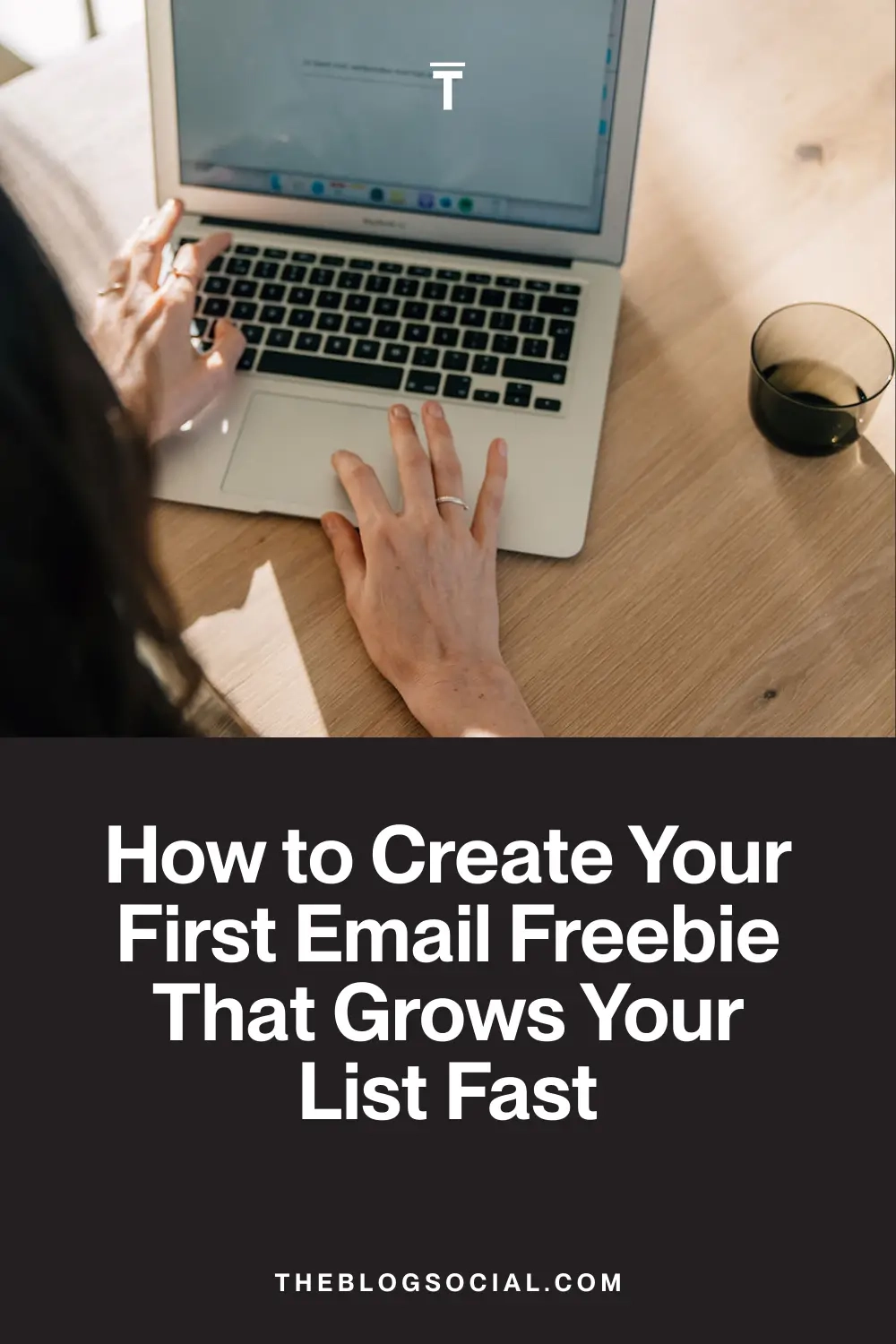
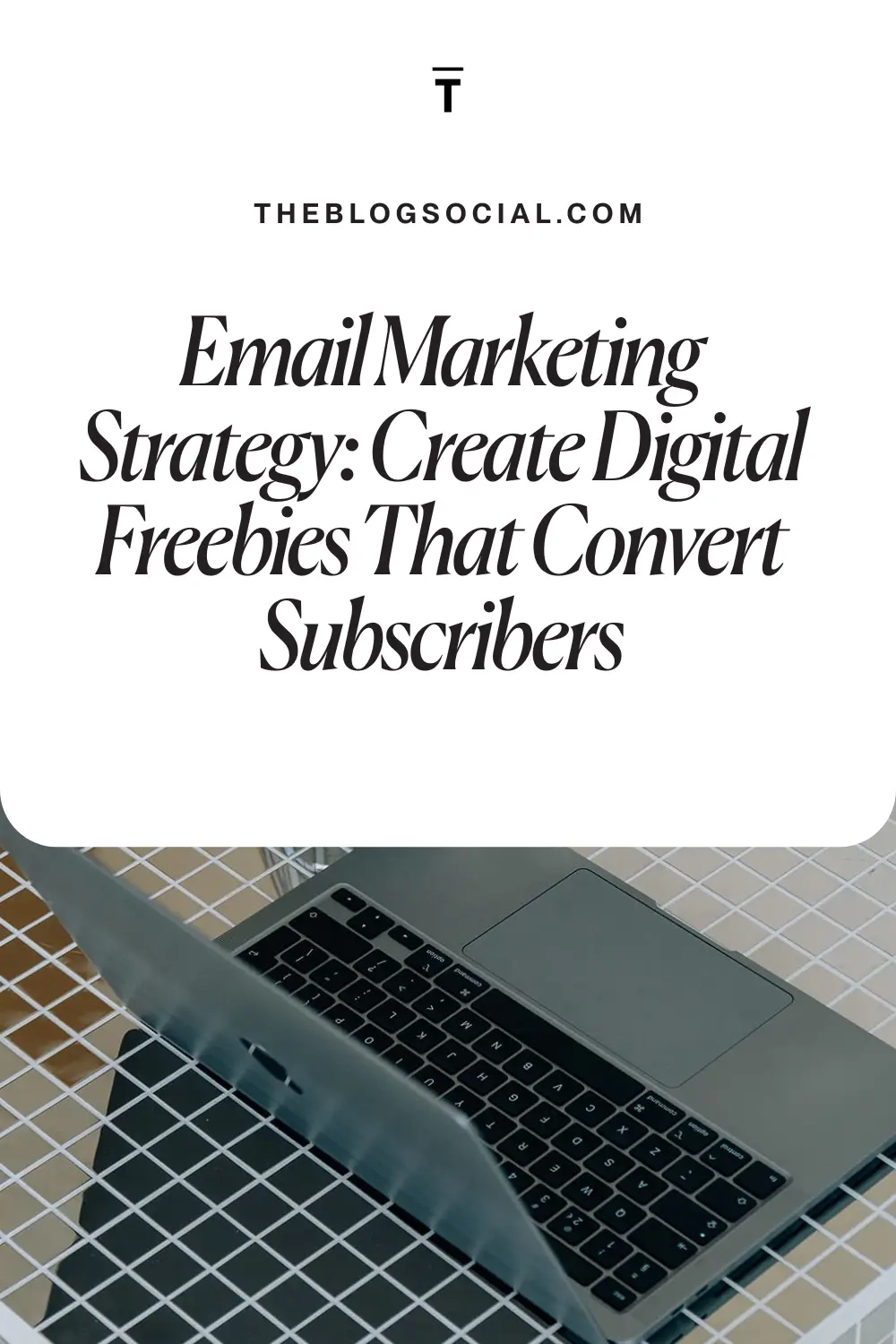
Pin for later



0 Comments