


Instagram rewards daily effort. Pinterest rewards strategic effort once, and keeps rewarding it for months.
If you have been giving Instagram your best hours and wondering why your blog traffic is not moving, this post is going to reframe everything.
The platform you are spending most of your time on might be the one giving you the least return. Instagram content dies in 48 hours. Pinterest content compounds for 6 to 12 months. One rewards consistency. The other rewards strategy.
This post makes the case for shifting more of your platform time to Pinterest, walks through exactly what makes Pinterest different from Instagram for bloggers, and gives you a practical framework for what to actually do on Pinterest starting this week.
Let’s go.
The Fundamental Difference: Instagram Is a Feed, Pinterest Is a Search Engine
Instagram and Pinterest marketing look similar on the surface. Both are visual platforms. Both involve creating images and captions. Both can drive traffic to your blog. But the way they work is fundamentally different, and that difference changes everything about how you should use them.
Instagram is a feed-based platform. Your content shows up in your followers’ feeds, stays visible for a day or two, then disappears into the archive. If you stop posting, your reach stops. The algorithm rewards recency and frequency. The more you show up, the more you get seen.
Pinterest is a search engine. Your pins show up in search results based on keywords, not follower count. A pin you create today can show up in someone’s search results six months from now. The algorithm rewards relevance and optimisation, not daily posting.
That fundamental difference means the strategies that work on Instagram, posting daily, showing up in Stories, and engaging with your audience in real time, do not translate to Pinterest. And the strategies that work on Pinterest, keyword research, batch content creation, and optimised descriptions, feel inefficient on Instagram.
If you are trying to do both platforms equally, you are splitting your energy between two completely different games. And for bloggers specifically, one of those games compounds your traffic. The other does not.
Pinterest Content Has a 6 to 12 Month Lifespan. Instagram Has 48 Hours.
The lifespan of your content is the single most important factor in deciding where to invest your time as a blogger. Content that lives for months gives you compounding returns. Content that dies in two days requires constant replacement.
On Instagram, a post gets the majority of its reach in the first 24 to 48 hours. After that, it is functionally invisible unless someone deliberately scrolls back through your feed. Instagram Stories disappear after 24 hours unless you save them to Highlights. Reels have a slightly longer lifespan, maybe a week if they perform well, but even high-performing Reels stop getting reach after a few days.
On Pinterest, a pin can continue showing up in search results and recommended feeds for 6 to 12 months or longer. Pins I created 18 months ago still send traffic to my blog every single week. That is not luck. That is how the platform works. Pinterest content does not expire.
The implication is clear: one hour spent creating a Pinterest pin for a blog post can generate traffic for months. One hour spent on an Instagram post generates traffic for two days. The return on investment is not even comparable.
Related: How to Create 50 Viral-Worthy Pins for One Blog Post in 30 Minutes
You Do Not Need a Following to Get Pinterest Traffic (Keywords Do the Work)
On Instagram, your reach is directly tied to your follower count and engagement rate. If you have 500 followers, your posts reach maybe 200 people on a good day. If you want more reach, you need more followers. Growing your following takes time, consistency, and a lot of daily effort.
On Pinterest, your reach is tied to your keywords, not your follower count. A brand-new Pinterest account with zero followers can get hundreds of impressions on a well-optimised pin if the keywords match what people are searching for. The platform does not care how many followers you have. It cares whether your content matches the search intent.
This is a massive advantage for new bloggers or anyone who does not want to spend years building a social media following before seeing traffic results. You can start getting blog traffic from Pinterest in your first month if your keywords are strategic and your content solves a real problem.
The work on Pinterest is different. You are not building a following. You are optimising for search. That requires keyword research, clear pin descriptions, and content that answers specific questions. But the payoff is immediate and does not depend on how long you have been on the platform.
Related: Pinterest Keyword Strategy: What to Pin to Get Found in 2026
Pinterest Readers Are High-Intent. They Click, Subscribe, and Buy at Higher Rates.
The reason someone opens Instagram is fundamentally different from the reason someone opens Pinterest. Instagram is for scrolling, entertainment, and catching up with people. Pinterest is for solving problems, planning projects, and finding answers.
That difference in intent shows up in the actions people take. Pinterest users are actively searching for solutions. When they find a pin that matches what they are looking for, they click through to the blog post, read the content, and take action. Instagram users are passively scrolling. They might double-tap your post, but clicking through to your blog requires them to stop, leave the app, and shift their mindset from entertainment to learning. That friction is real.
The data backs this up. Pinterest traffic converts to email subscribers at a higher rate than Instagram traffic. Pinterest readers stay on blog posts longer. They are more likely to click affiliate links, download freebies, and buy products you recommend. Not because Pinterest users are inherently better, but because they arrived with intent.
For bloggers, this means every hour you spend on Pinterest is not just driving traffic. It is driving higher-quality traffic that is more likely to join your email list, engage with your content, and eventually become a customer.
The Case for Shifting 80% of Your Platform Time to Pinterest as a Blogger
If you are a blogger, your primary goal is not to build a social media following. It is to drive traffic to your blog, grow your email list, and build a business that works without you showing up every single day. Instagram helps with visibility. Pinterest helps with all three.
Here is what shifting 80% of your platform time to Pinterest looks like in practice: instead of spending an hour every day creating Instagram content, you spend that hour once or twice a week batch-creating Pinterest pins. Instead of engaging in Instagram comments and DMs for 30 minutes a day, you spend that time doing keyword research and optimising your pin descriptions. Instead of chasing Instagram trends, you create evergreen content that compounds.
This is not about abandoning Instagram entirely. It is about being strategic with your time. If Instagram is bringing you real traffic, keep it. But if you are spending hours on Instagram and seeing minimal blog growth, Pinterest is the shift that changes everything.
The bloggers I know who have the most sustainable, low-stress businesses are the ones who prioritised Pinterest early. They are not posting daily. They are not chasing algorithm changes. They created a library of optimised pins that work for them while they sleep. That is the game you want to be playing.
What to Actually Do on Pinterest Starting This Week: A Practical Framework
Knowing Pinterest is valuable and actually using it effectively are two different things. Here is the practical framework for getting started on Pinterest as a blogger, even if you have never pinned before.
Step 1: Set up a Pinterest Business account
If you do not already have one, convert your personal Pinterest account to a Business account or create a new one. Business accounts give you access to Pinterest Analytics, which shows you which pins are driving traffic and which keywords are working. You cannot optimise what you cannot measure.
Step 2: Claim your website
Claiming your website tells Pinterest that you own your blog and allows your pins to show your blog’s branding. It also gives you access to better analytics on how your content is performing. This takes five minutes and is worth doing before you create your first pin.
Step 3: Do keyword research before you pin
Pinterest is a search engine, which means keywords matter. Before you create a pin, search for the main keyword related to your blog post and see what comes up. Look at the suggested searches that appear. Those are the exact phrases people are typing into Pinterest. Use them in your pin titles and descriptions.
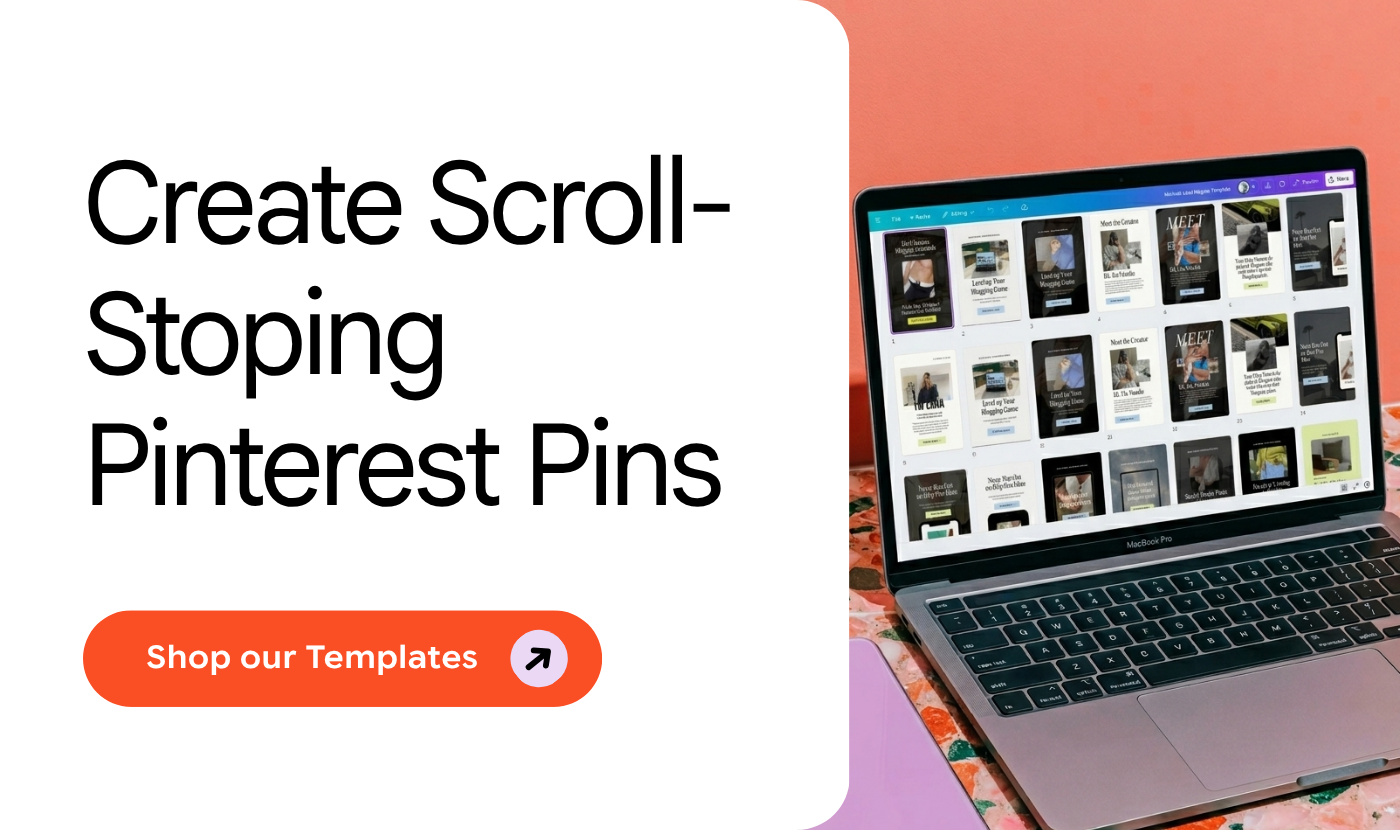
Step 4: Create 2 to 3 pin variations for every blog post
Different pin designs and titles perform differently. Instead of creating one pin per blog post, create two or three variations. Test different images, different headline styles, and slightly different keyword angles. Pin them all to the same blog post URL and see which one gets the most traffic.
Step 5: Write keyword-rich pin descriptions
Your pin description should include your main keyword in the first sentence, at least two related keywords throughout the description, and a clear benefit statement that tells the reader what they will learn or get from clicking through. Keep descriptions between 100 and 300 characters.
Step 6: Pin consistently, not constantly
Pinterest rewards consistency, not volume. Pinning 3 to 5 pins per day, every day, performs better than pinning 30 pins once a week. Use a scheduler like Tailwind , BlogtoPin or Pinterest’s native scheduling tool to batch-create your pins and spread them out over time.
Step 7: Track what works and do more of it
After 30 days, check your Pinterest Analytics. Look at which pins are driving the most clicks to your blog. Which keywords are performing best? Which pin styles are getting the most engagement? Then create more pins like those. Pinterest is a test-and-refine game, not a set-it-and-forget-it strategy.
How Pinterest and Your Email List Work Together to Create Compounding Income
Pinterest does not just drive blog traffic. It drives blog traffic that converts into email subscribers. And email subscribers are where the real income happens.
Here is how the system works: you create a blog post with a strong opt-in offer. You create a Pinterest pin that targets the exact keyword your ideal reader is searching for. That pin sends targeted traffic to your blog post. The reader finds the content valuable, downloads your freebie, and joins your email list. Now you have a direct line to that person, and you can nurture them, recommend affiliate products, and eventually sell your own offers.
The compounding effect happens because Pinterest keeps sending traffic to that post for months. Every new subscriber is someone who can buy from you repeatedly. One well-optimised pin can be responsible for hundreds of email subscribers over its lifespan, and every one of those subscribers has a lifetime value that goes far beyond a single blog visit.
This is why Pinterest and email work so well together for bloggers. Pinterest gives you consistent, targeted traffic. Email gives you a way to convert that traffic into income. Without Pinterest, your email list grows slowly. Without email, your Pinterest traffic is just a number in your analytics. Together, they create a business model that actually scales.
Related: How to Get Blog Traffic Without Google: The Pinterest-First Strategy for New Bloggers
Ready to start pinning strategically?
Grab the free ChatGPT Prompts for Pinterest Marketing and start writing pin descriptions that bring in traffic on autopilot. Link below.






2 Responses
This is such a great guide! Pinterest can feel overwhelming, but you explained it in a really clear and practical way. I especially love the focus on keywords and strategy—such a good reminder that it’s more of a search engine than social media. Definitely bookmarking this!
Laura, I love that the search engine lightbulb went on here. Once keywords and strategy click, Pinterest feels so much calmer. So glad this guide made it feel clearer and bookmark worthy.