The Blog Social

Meet Candice

Helping creators like you find your spice.

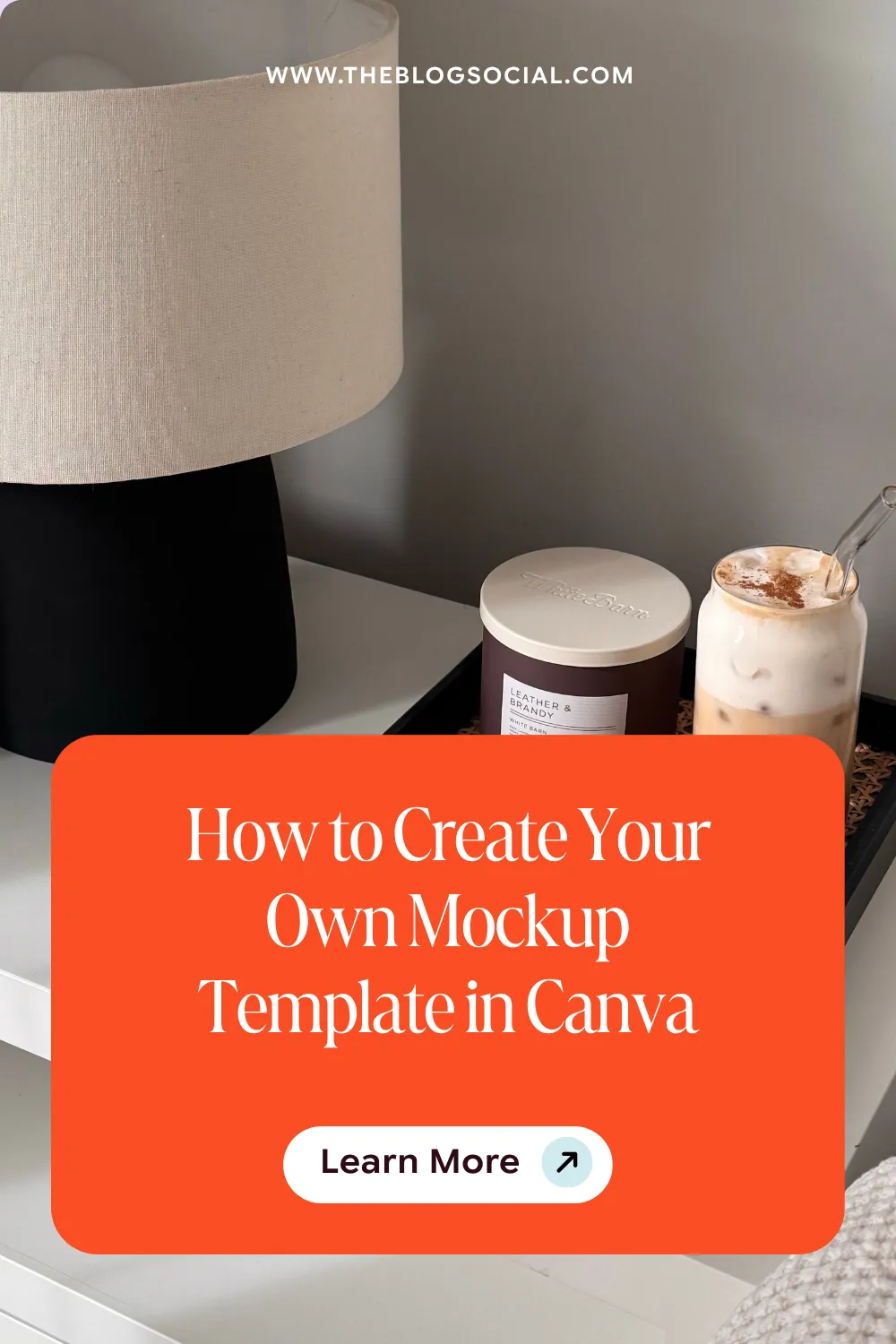
How to Create Your Own Mockup Template in Canva

Say Goodbye to Generic Mockups—Create Your Own in Minutes!

Tired of hunting for the perfect mockup that never quite fits your vision? With Canva’s new custom mockup feature, you can create your own mockup in just a few clicks! Whether you’re showcasing digital products, branding materials, or social media designs, this tool gives you full control over how your content is presented. Let’s dive into how you can make mockups that are 100% unique to your brand!
How to Create Your Own Mockup Template in Canva

What is a Mockup?

A mockup is a visual representation of how a design will look in real life. Whether you’re showcasing a product, branding materials, or digital content, mockups help bring your vision to life. They allow creators, bloggers, and business owners to present their designs in a polished, professional way.

Types of Mockups Bloggers and Creators Can Use

Mockups are game-changers for online creators. Here are some of the most useful types:

  • Device Mockups – Perfect for displaying website designs, lead magnets, or social media graphics on a laptop, tablet, or phone.
  • Print Mockups – Show off ebook covers, planners, workbooks, or printable resources in a realistic setting.
  • Product Mockups – Ideal for merch, branding elements, or digital products like templates and guides.
  • Social Media Mockups – Want to preview an Instagram post or Pinterest graphic in action? Mockups can make that happen.

How to Create Your Own Mockup Template in Canva

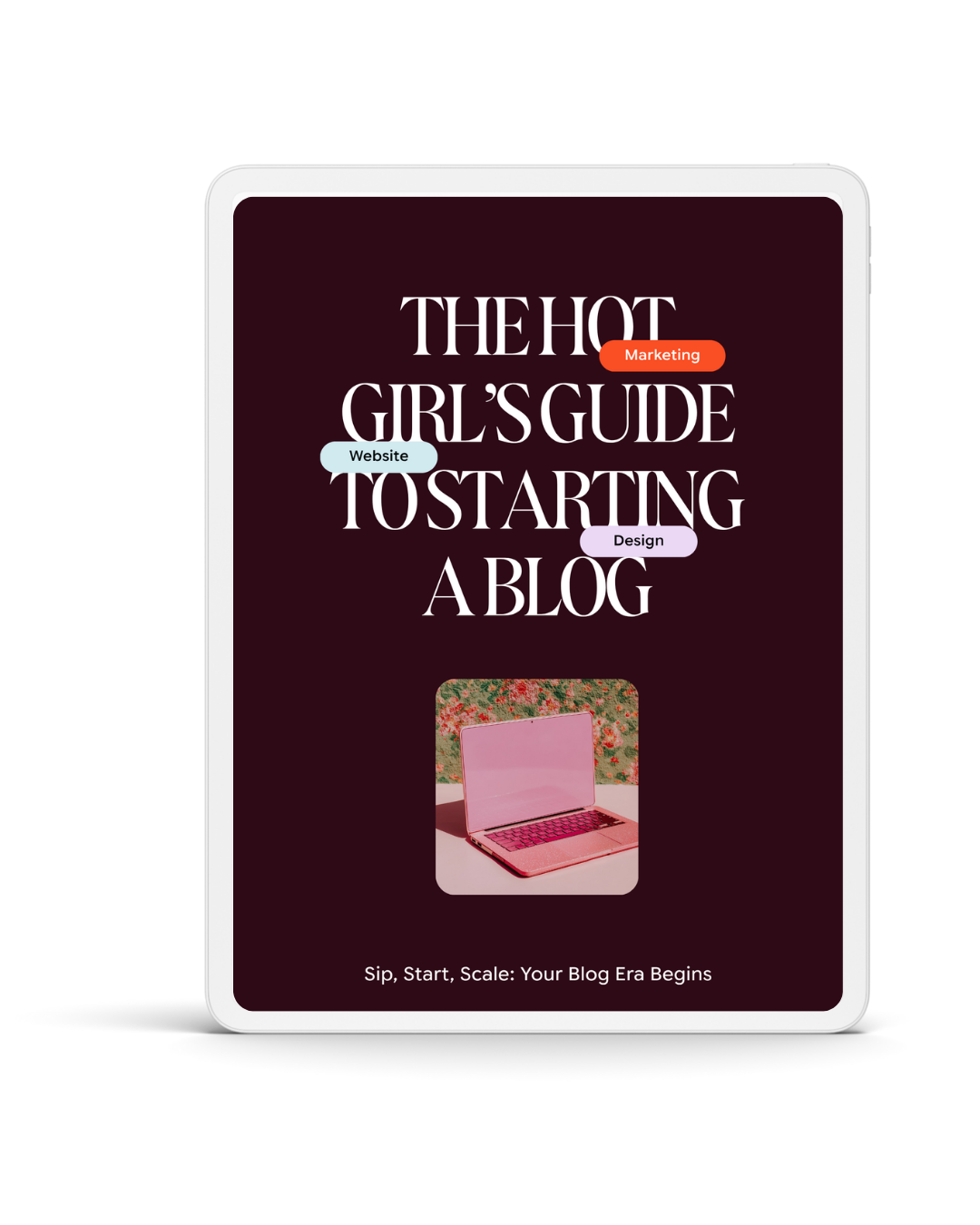
Canva’s new feature lets you transform any image into a customizable mockup. Here’s how to do it step by step:

1. Upload or Select a Photo

  • Add the photo you want to turn into a mockup template to your Canva design.
  • Make sure it’s high resolution and has a clean, simple background for the best results.

2. Activate the Mockup Feature

  • Click on the image to select it.
  • Click Edit from the toolbar.
  • Under Apps, find and select Mockups.
  • Click Create Your Own Mockup.

3. Let Canva Work Its Magic

  • Canva will analyze your photo and detect the best surfaces for placing your design.
  • Keep in mind that premium photos won’t work—use your own images or filter for free ones in Canva’s library.

4. Apply Your Design

  • Drag and drop your design onto the mockup.
  • Adjust how it fits using Fill, Fit, or Smart Crop.
  • Align, flip, or tweak the placement until it looks just right.
  • Once you’re happy, click Apply Changes.

5. Edit and Swap Designs Easily

  • If you want to update the mockup later, simply click Detach Image and swap it with a new design—no need to start from scratch!

Accessing Mockups via the Apps Tab

You can find Canva’s Mockup feature anytime using these steps:

  • Open the Apps tab from the editor side panel.
  • Type Mockups into the search bar and press enter.
  • Choose from existing mockups or create your own.

Pro Tips for Creating Stunning Custom Mockups

Want to take your mockups projects to the next level? Keep these expert tips in mind:

  • Choose Flat, Simple Surfaces – Flat backgrounds like a clean desk or a blank notebook work best for seamless mockups.
  • Avoid Cluttered Backgrounds – A busy background can make the design placement look awkward or unnatural.
  • Use Canva’s Editing Tools – Features like Smart Crop and Alignment will help your design fit perfectly.
  • Experiment with Different Angles – Try different images and perspectives to make your mockup unique and eye-catching.

Final Thoughts

Canva’s custom mockup tool is a game-changer for creators who want more control over their branding and product presentations. Instead of relying on pre-made templates, you can now make mockups that perfectly match your aesthetic. Give it a try and watch your content stand out effortlessly!

What will you create first? Let me know in the comments!

Share this Post:

Leave a Reply

Your email address will not be published. Required fields are marked *

Popular Posts

WHAT'S TRENDING:

Popular Posts

Add Some Spice to Your Blog

Grab my FREE Start‑A‑Blog Checklist and turn that “someday” idea into a live, traffic‑ready blog.

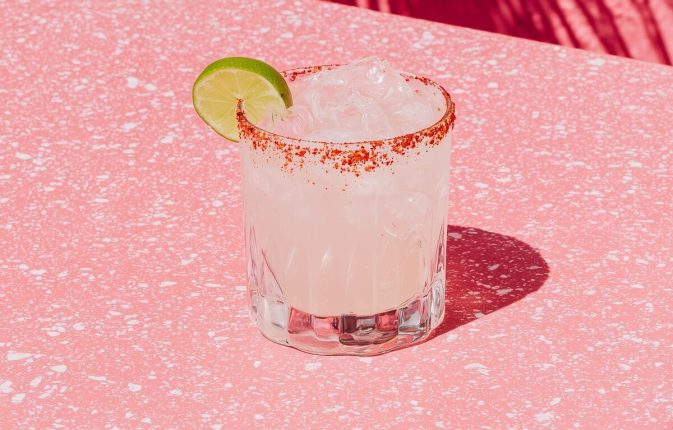
A light editorial still-life photograph of a spicy margarita resting on a simple outdoor table, with the surroundings intentionally minimal and undefined. The margarita is positioned on the left side of the frame, with open negative space. The drink is a traditional pale yellow margarita, with a Tajín chili rim and visible jalapeño slices. Lighting is bright natural daylight, soft and even. The image feels casual, aspirational, and magazine-coded, without feeling staged no people, no text, no borders. --ar 3:4 --profile cdolety --v 7 Job ID: 9a4faf74-2e10-4701-a0e8-d4a146030abc

Looking for something specific? Select a popular category or enter your search query below.

Join our Spicy Newsletters.

A light, editorial lifestyle photograph of palm tree shadows cast across a warm, neutral wall, with subtle hints of blush or coral tones. The composition focuses on light and shadow rather than objects. No people are visible. Lighting is bright and natural, creating an airy, sun-drenched mood. The image feels calm, optimistic, and aspirational, like a magazine detail shot no text, no borders. --ar 3:4 --profile cdolety --v 7 Job ID: 94ad6230-24e3-436d-9618-61738a495ed7
A modern editorial photograph featuring an extreme, intentional crop of a lifestyle object, cutting off part of its form in a way that feels slightly uncomfortable but deliberate. The background is neutral and uncluttered. Lighting is soft and restrained, avoiding high brightness. The image feels cool, experimental, and fashion-coded, like a detail shot in a high-end magazine no people, no text, no borders. --ar 3:4 --profile cdolety --v 7 Job ID: b1955216-cc70-43a2-80b1-c46e0d61ad2c
A modern editorial still-life photograph of a spicy margarita positioned on the left side of the composition, shot against a clean neutral background. Strong natural light casts a distinct but soft-edged shadow across the surface, creating visual interest. The drink is a classic pale yellow margarita, with a bold Tajín rim and jalapeño slices clearly visible. The styling is minimal and confident. The image feels graphic, intentional, and fashion-forward, like a magazine opener no people, no text, no borders. --ar 3:4 --profile cdolety --v 7 Job ID: e43d8b86-7960-46fd-bac9-1a92b7250600
A modern editorial photograph of two or three identical neutral notebooks or folders stacked neatly on a clean surface. The framing is tight and graphic, with the stack pushed toward one side of the frame. Lighting is soft and controlled, slightly desaturated. The image feels composed, calm, and intentional, like a fashion magazine’s take on productivity no people, no text, no borders. --ar 3:4 --profile cdolety --v 7 Job ID: 706d063d-b9c2-40da-bb82-5e3ba25f23a7
A light, editorial lifestyle photograph of palm tree shadows cast across a warm, neutral wall, with subtle hints of blush or coral tones. The composition focuses on light and shadow rather than objects. No people are visible. Lighting is bright and natural, creating an airy, sun-drenched mood. The image feels calm, optimistic, and aspirational, like a magazine detail shot no text, no borders. --ar 3:4 --profile cdolety --v 7 Job ID: 94ad6230-24e3-436d-9618-61738a495ed7
A modern editorial photograph featuring an extreme, intentional crop of a lifestyle object, cutting off part of its form in a way that feels slightly uncomfortable but deliberate. The background is neutral and uncluttered. Lighting is soft and restrained, avoiding high brightness. The image feels cool, experimental, and fashion-coded, like a detail shot in a high-end magazine no people, no text, no borders. --ar 3:4 --profile cdolety --v 7 Job ID: b1955216-cc70-43a2-80b1-c46e0d61ad2c
A modern editorial still-life photograph of a spicy margarita positioned on the left side of the composition, shot against a clean neutral background. Strong natural light casts a distinct but soft-edged shadow across the surface, creating visual interest. The drink is a classic pale yellow margarita, with a bold Tajín rim and jalapeño slices clearly visible. The styling is minimal and confident. The image feels graphic, intentional, and fashion-forward, like a magazine opener no people, no text, no borders. --ar 3:4 --profile cdolety --v 7 Job ID: e43d8b86-7960-46fd-bac9-1a92b7250600
A full-body editorial photograph of a woman walking slowly or standing mid-step in a minimal interior, styled in off-white clothing with a blush accent. The moment feels candid but composed, like an off-duty fashion capture. Her posture is relaxed, with natural movement and a soft, friendly smile. The composition feels effortless and photographic, not staged. Lighting is natural and flattering, enhancing warmth and softness. The image feels cool, approachable, and polished, inspired by Hailey Bieber’s casual editorial moments realistic, full-bleed photography with no borders or frames. --ar 3:4 --profile 399npew --v 7 Job ID: fdfea551-5dc3-4540-9fed-9a544b557891
THE BLOG SOCIAL / THE BLOG SOCIAL / THE BLOG SOCIAL /