


This post is written in partnership with Flodesk. All opinions, reactions and slightly too many exclamation marks are entirely my own.
I had a freebie sitting in my Google Drive for three weeks because I could not face opening a blank canvas to build the delivery email one more time. Every blogger I know has a version of this folder. A genuinely good freebie, finished and ready, just waiting on an email nobody wants to design.
This post walks through exactly what happened when I handed that job to Flodesk Studio instead. You will see the actual prompt I typed, the three directions it designed back to me, and whether the finished email sounded like me or like generic AI fluff dressed up in my brand colours.
I am covering what Flodesk Studio actually is, the exact prompt I used, the three directions it designed back, how I edited the result without touching a line of code, where the finished email can actually be sent, and a handful of extra prompts you can steal to get started yourself.
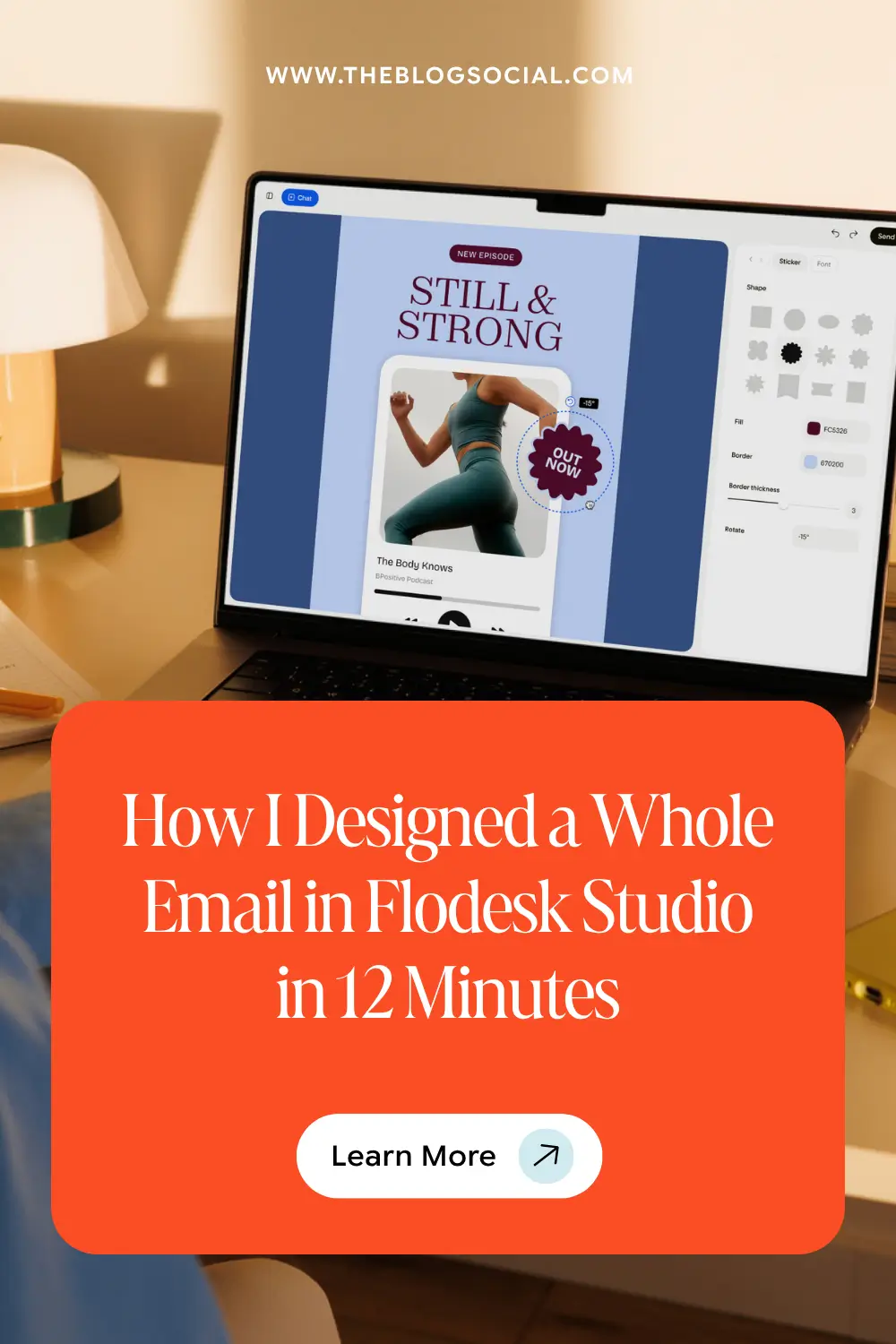
Want to see the whole Flodesk build in real time? Watch the 12‑minute walkthrough:
What Is Flodesk Studio?
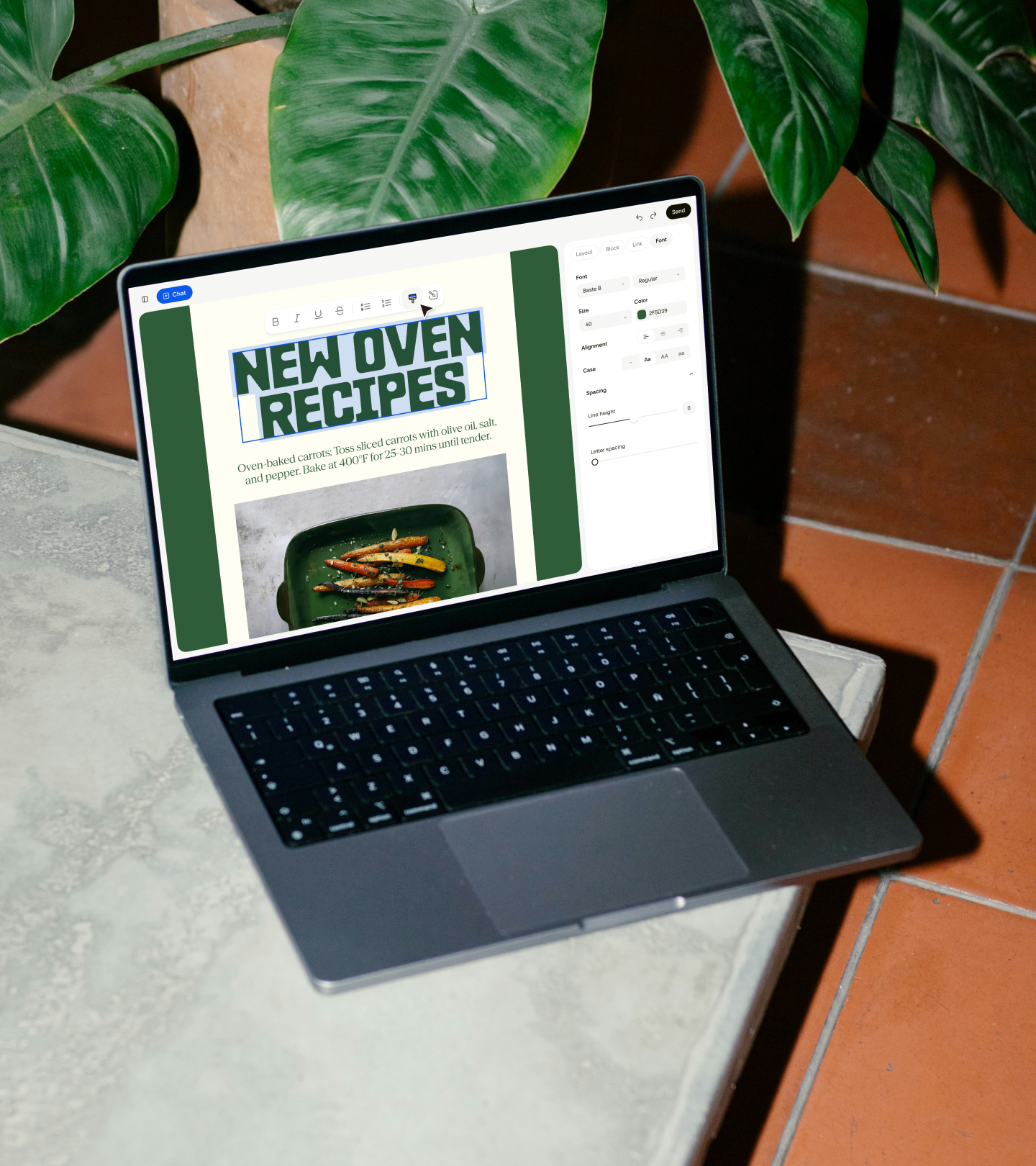
Flodesk Studio is a new AI-powered email design tool that builds a finished, on-brand email from a written prompt instead of a blank canvas. It is a separate platform from the main Flodesk app, built on its own infrastructure, which is the part that actually mattered to me before I trusted it with anything client-facing. My existing Flodesk account, automations and subscriber list are untouched. Studio sits next to it, not inside it.
Here is the distinction worth understanding before you try it:
Pure AI Generation
Builds a new layout from nothing each time, which is where the generic, slightly uncanny look most AI design tools produce comes from.
Result: fast, but inconsistent polish.
How Studio Actually Works
Assembles tons of layout blocks, palettes and typography pairings a human design team already built, then applies your prompt and brand on top.
Result: fast, with designer-level polish.
It is also genuinely free while it is in beta. I asked directly what it might cost down the line, and the honest answer was that the team is using the beta period to figure that out, so there is no pricing to worry about for now.
Flodesk describes the process in three steps:
You describe the email you want, Flodesk Studio generates a designed draft from that description, and you refine it in chat, by hand, or both.
The stated aim is to get you 80 to 90 per cent of the way there automatically, so the creative decisions that matter most stay with you. That lines up exactly with what happened when I tried it myself.
The Prompt I Typed Into Flodesk Studio
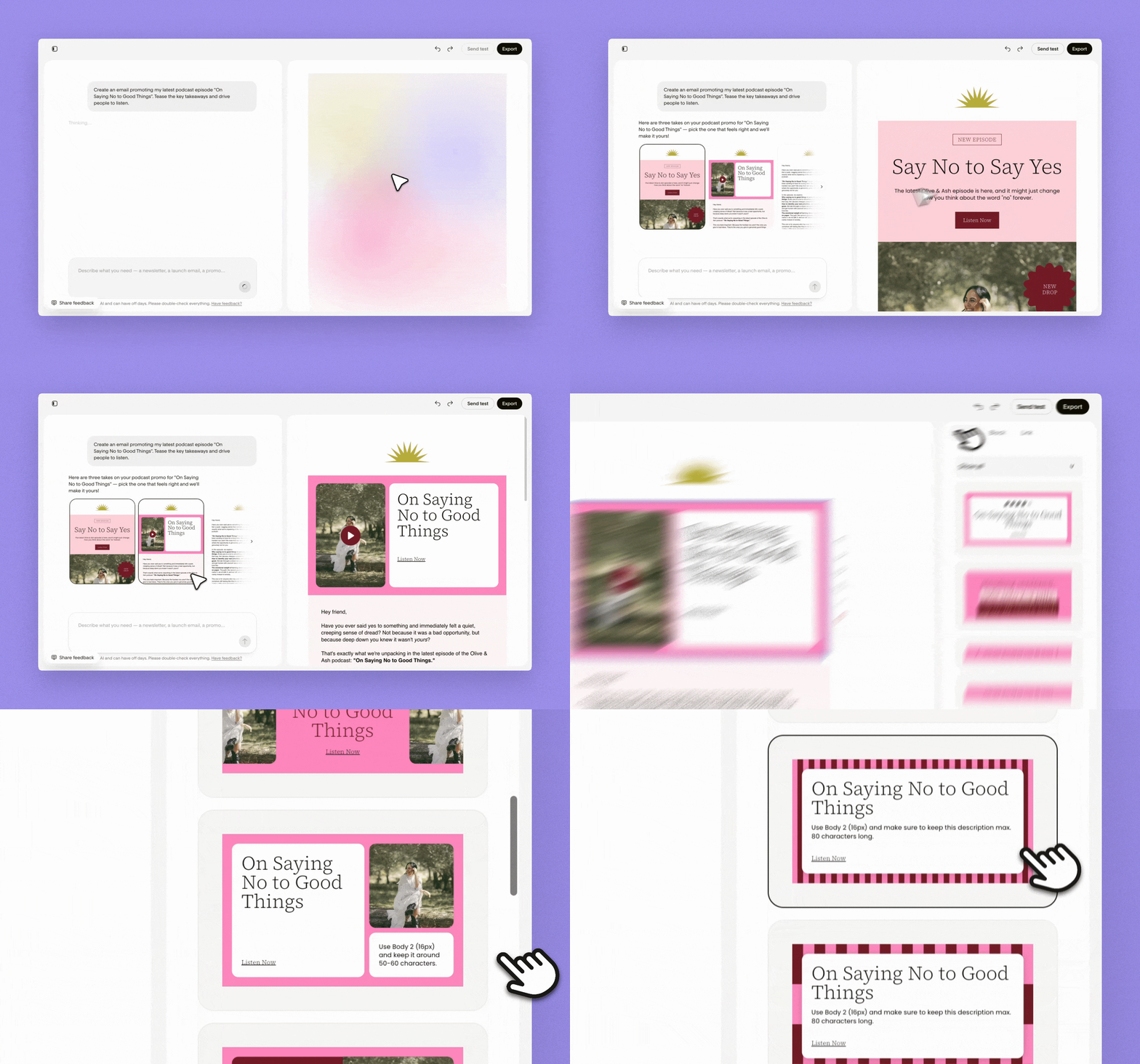
I described exactly what I wanted, including every product I wanted mentioned and the specific angle for each one, and let Studio handle the design from there. No template hunting, no blank canvas staring back at me.
“Write an email sharing my top product picks with links. Keep it helpful and personal, like a friend giving recommendations.
Here is a list of those tools I would like you to mention.
Claude, my assistant. Helps with ideas, structuring outlines, you name it.
Flodesk, the top dog. Also mention the new Calendar View and AB testing features Flodesk just launched, plus its new Flodesk Studio.
Airtable, for content planning. As much as I love Notion, the copy and pasting and the databases are just not as easy to use.
Rella, for content scheduling.
Canva, for everything relating to design.“
That was the entire brief, typed exactly as I would explain it to a friend rather than a polished marketing prompt. I added my brand colours and fonts once when I first set up Studio, so every direction it gave me already looked like mine before it had written a single word of copy.
The Three Directions Studio Designed in Seconds
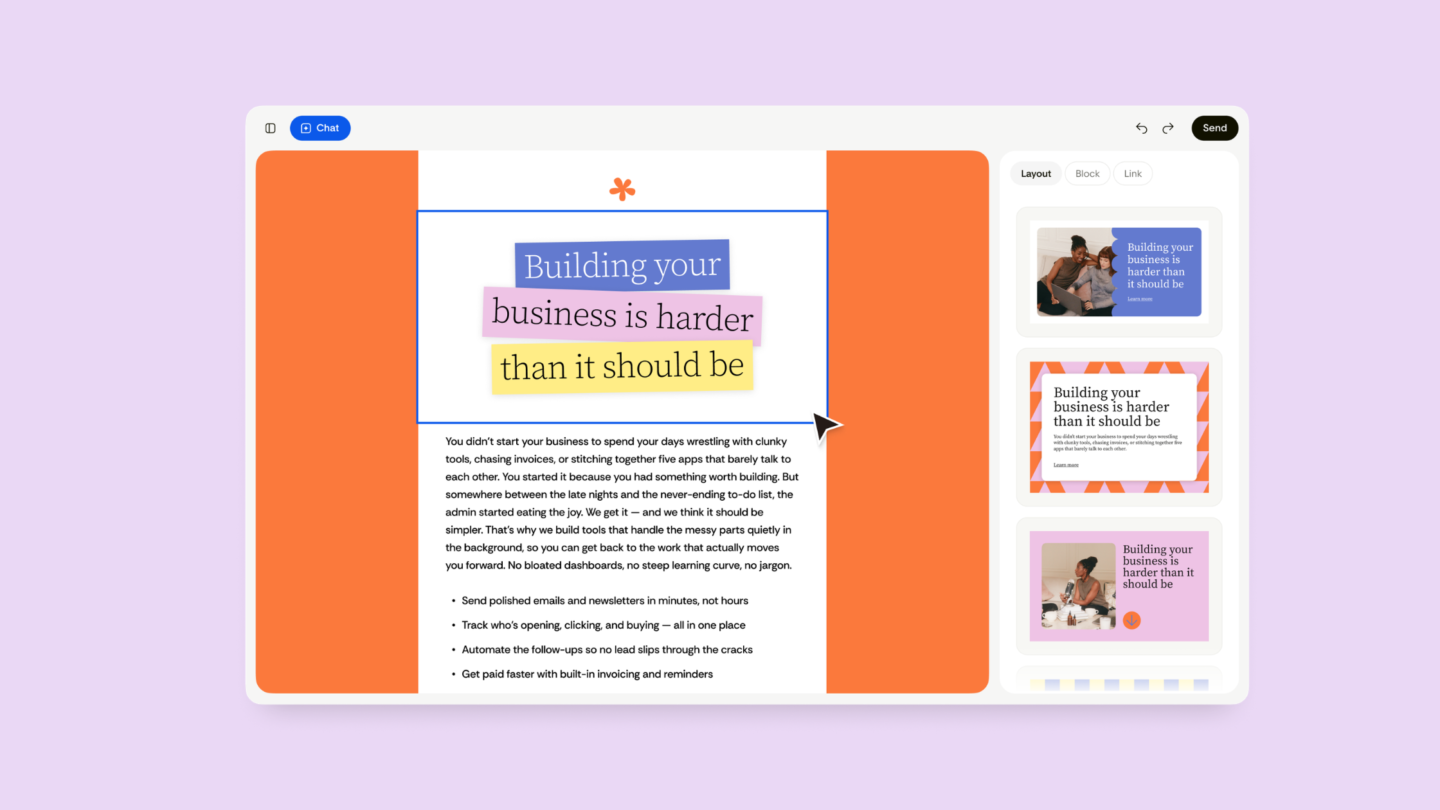
Studio handed back three completely different, fully on-brand layouts in under thirty seconds, each one already working in every product and detail from the brief. Building an email like this from scratch usually takes me forty-five minutes to an hour, once I factor in second-guessing my own font choices. This took twelve minutes, start to finish, including the editing.
One direction was a clean numbered list, built for exactly this kind of roundup with an image block. One had the perfect balance of image and text. One reads more like a personal letter with the picks woven into paragraphs rather than a list at all.
I picked the second option with the perfect balance of image and text blocks. A roundup email can tip into listicle territory fast, and I wanted this one to read like I was actually talking to someone, not publishing a buyer’s guide.
How I Refined It Without Touching a Single Line of Code
The editing stage is where Studio actually proved itself, because refining in chat and dragging blocks by hand both work on the same finished design. I asked for one tweak at a time in the chat panel, things like making the Airtable line shorter and making the Flodesk paragraph the most enthusiastic one, rather than rewriting the whole email myself. Then I dragged the Flodesk block up to the top by hand, since it is the recommendation I most wanted people to act on.
This works because every block stays fully editable rather than locked once the AI generates it, so tweaking one element does not break the layout the way hand-coded HTML usually does the second you touch it. If your first prompt does not land exactly right, the fix is to add one line about tone or layout to the same prompt rather than starting over completely, since Studio is refining the same on-brand foundation each time.
Step by Step: How I Built This Email in 12 Minutes
Here is exactly what I did, in order, so you can copy the process even if your prompt and your picks look nothing like mine.
Open Flodesk Studio and start a new emailPulled up a blank project rather than editing an old one, so the prompt had nothing to fight against.
Paste in the full prompt, products and allTyped the brief above, including every tool and the specific angle for each one, and hit generate.
Review the three directions Studio designedRead all three before reacting to any of them, which stopped me anchoring on the first one out of habit.
Pick the layout that sounded most like meChose the letter style direction over the list and the card grid.
Refine each product blurb in chatAsked for one tweak at a time rather than rewriting the whole email myself.
Drag the priority block to the topMoved it by hand since it is the recommendation I most wanted people to act on.
Export and schedule the sendExported straight back into Flodesk and scheduled it for my usual sending slot.
More Prompts to Try in Flodesk Studio
Once you have built one email from a prompt, it is hard not to start mentally rewriting every email on your calendar this way. Here are a few worth queuing up next, organised by the type of send.
For a welcome sequence“Write a welcome email for new subscribers. Introduce myself, set expectations for what they’ll receive, and give them a quick win.”
For a weekly newsletter“Create a weekly newsletter with a personal story, a piece of content I published this week, and a quick reminder about an upcoming offer.”
For a launch“Create an email introducing a new service or package I’m rolling out. Make it feel exciting and premium.”
For a webinar“Write an email promoting my upcoming free webinar. Include the date, time, and a CTA to register.”
For a nurture send“Write a nurture email sharing a personal story that ties into a lesson my audience can apply to their own business or life.”
For a roundup like this one“Help me write an email rounding up products I use and love. Make it feel authentic and not overly salesy.”
Each one works the same way the prompt above did. Type the sentence, review the three directions, refine the bits that do not sound like you yet, and export when it is ready.
Where the Finished Email Can Actually Be Sent
Design here, send anywhere is the line that actually holds up once you export. Every email built in Studio can be exported as clean HTML and pasted into any email service provider that accepts HTML, which covers Kit, beehiiv and Mailchimp alongside Flodesk itself. That kind of open export is rare for an email tool, and it is the reason I did not hesitate to test it on a real email rather than a throwaway draft.
Studio is email-first for now and will expand to pages and forms, which is exactly where I want a brand new tool to put all of its attention before it tries to be everything at once.
Frequently Asked Questions About Flodesk Studio
Is Flodesk Studio free?
Yes. It is completely free while it is in beta, with no upgrade fee or paid plan required. Pricing has not been decided, so the team is using this period to work that out.
Is Flodesk Studio really AI, or just a template with my branding dropped in?
Neither, exactly. A human design team hand-built tons of layouts of blocks and palettes. The AI assembles those human-made pieces to match your prompt and your brand rather than generating a design from nothing.
Can I export a Flodesk Studio email to another email platform?
Yes. Every email exports as clean HTML and works in any email service provider that accepts HTML, including Kit, beehiiv and Mailchimp, alongside Flodesk itself.
Key Takeaways
- One detailed prompt, naming every product and angle, gave Studio enough to design three finished on-brand directions in under thirty seconds.
- The AI is assembling components that a human design team already built, which is why refining in chat or by hand keeps the same designer-level polish.
- Studio is free during its current beta and exports as clean HTML to Flodesk or any ESP that supports it.
I went in expecting to write a polite, slightly underwhelmed post about another AI tool, and instead I have a finished email I am actually proud of, built in the time it usually takes me to pick a font. That is the whole pitch, really. Not that AI replaces the design, but that it gets out of your way fast enough to let you finish the thing you were avoiding.
If you have a freebie, a welcome sequence or one dreaded email sitting unfinished right now, this is your sign to go play with it before the beta wraps up.
Built by real designers, accelerated by AI, finished by you. Try it on your own freebie, welcome email or next send.
Start Creating Today at studio.flodesk.com





